Take Restaurant Orders From Google Search in Messages
Guests searching burger near me want pickup or a table-ready ticket, not an app. Here is how a QSR or local restaurant takes that order in a branded Messages thread.
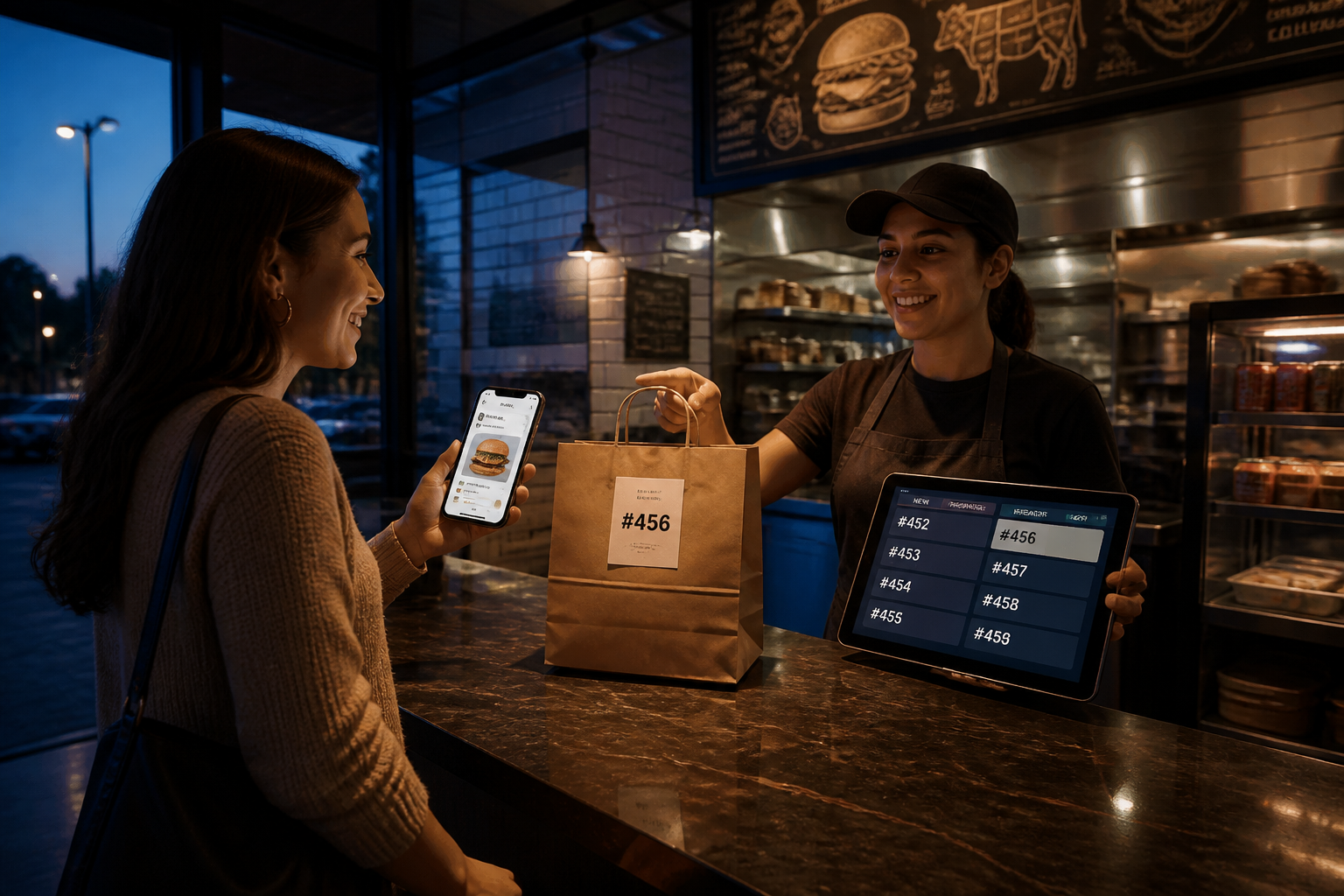
A guest who types burger near me already knows they are hungry, so your job is to take the order before they bounce to the next pin on the map.
The lunch rush does not wait for an app
After the lunch rush, the line is still a stack of small decisions. Pickup or table-ready. Extra pickles. No onion. How long is the wait. The guest who searched from the parking lot does not want a download, a new account, or a site that opens three menus before a ticket exists.
That is the operator problem, not a brand campaign. The guest found you on Google Search. Intent is already there. Then the path usually leaves Search and drops them into a website, a marketplace, or an app store. Each hop is a chance they order from the place that answers faster.
A QSR and a local burger shop feel this the same way. Phones ring while tickets print. Someone at the counter is already talking. The guest on the phone wants a modifier the POS can handle, but the person who can type it is assembling a tray.
You do not need a new storefront for that moment. You need the order to land in a thread the guest already knows how to use.
Think about the last time a guest called in a special. They said the item, then the change, then asked when it would be ready. That is a complete order. The broken path is everything we added around it: install this, create that, tap through a maze, hope the modifier field saved.
Search to Conversation to Action is the shorter path. The guest stays in Google Search long enough to tap Message. The conversation opens in the native messaging app. The ticket gets built there: item, modifiers, pickup or table-ready, and an honest wait time.
Keep the questions short. What do you want. Any changes. Pickup or coming in. When should it be ready. Those four answers are the order. Everything else is delay.
No app. No website maze. Just conversations that move customers to action.
Meet them in Messages, not in a download
Google documents a message button on business listings in Google Search and Google Maps. That tap can start a two-way conversation in the native messaging app. RCS for Business is live on major US networks today, with more rolling out.
The thread should look like your restaurant, not like an unknown number. Google describes a verified sender profile with your brand name, colors, and logo. That branded identity is what makes a guest trust the next reply.
From there, keep the order visual and tapable. Official RCS for Business resources support rich cards that combine an image, text, and suggested replies in one message. Carousels let a guest swipe a few burgers or combos. Suggested replies handle the fast answers: Pickup. Table-ready. Extra sauce. No onion.
Do not dump the whole menu as a wall of text. Show the thing they searched for, then two or three nearby options. If they asked for a burger, lead with burgers. If they want a combo, show the combo as a card they can tap, then ask about the drink.
The guest can still type. Two-way conversation is the point. A sentence like make it a combo, hold the pickle, I am five minutes out is a real order. A Branded AI Concierge should catch that line and turn it into a clean ticket, not another form.
This is AI Commerce for a restaurant, not a catalog lecture. The conversation is the counter. MessageOS is built as a Conversation-to-Outcome Platform, so the thread is not a dead-end chat. Outcome Connectors pass the finished ticket into the systems your kitchen already runs.
If you want to see the shape of a branded restaurant thread, try the Burger King RCS demo. It is a conceptual demo you can open and walk, not a claim that Burger King is a MessageOS customer.
The same pattern is what Search to Conversation is for: high-intent Search, then a verified thread, then an action. Restaurant entry points can start on Google Search and still land in that one branded conversation.
What the ticket should carry after the rush
A useful restaurant thread does a short list of jobs well.
First, it names the outcome. Pickup means the bag is waiting at the window. Table-ready means the guest is coming inside and the ticket should not sit under a delivery label.
Second, it captures modifiers without a phone tree. Extra patty. Allergy note. Sauce on the side. The guest should tap a suggested reply or type a sentence. Either way, the ticket should show the change the way the expo line expects it.
Third, it tells the truth about wait time. After the lunch rush, a few minutes and closer to twenty are different promises. The conversation should ask the kitchen clock, not invent a number, and it should say that number in the same thread where the order was placed.
Fourth, it stays in one thread. The guest should not get a confirmation that sends them back to a site to edit the order. If they want to add fries, they say so in the same conversation. The Branded AI Concierge updates the ticket and the kitchen sees one change, not two systems arguing.
None of that requires a new Google checkout product. RCS gives you branded identity, rich cards, carousels, suggested replies, and a two-way thread in the messaging app people already open. The order logic is yours. The Branded AI Concierge asks the next useful question. Outcome Connectors move the result.
Staff still run the line. The thread should not pretend to be a manager. It should take the order the way a good cashier does: repeat the item, confirm the change, say when it will be ready, and get out of the way.
That is Search to Conversation to Action for a burger near me query. The guest searched. They talked. They have a pickup time or a table-ready ticket. Your staff sees a normal order, not a screenshot of a chat.
What to do next
Walk your own burger near me path on a phone and count the hops before an order can exist. Then open the Burger King RCS demo and notice what a branded thread can hold: menu cards, suggested replies, and a conversation that can take modifiers without leaving Messages.
If you run a QSR or a local shop, write down the five questions your staff answers after every rush. Those are the first replies your Branded AI Concierge should know. From there, read the MessageOS learn pages and the blog, or start from the homepage and look at the same Search to Conversation to Action path with your own brand in mind.
- RCS for Restaurants: How Operators Turn Texts Into Tables, Tickets, and Repeat VisitsRestaurants run on speed, hospitality, and repeat guests. RCS Business Messaging plus an AI agent answers every inbound text in seconds, books the table, fires the to-go order, and brings the guest back, all inside the native messages app with your brand verified.
- What Is RCS Business Messaging?RCS Business Messaging (RBM) is a messaging standard that replaces plain SMS with branded, verified, interactive conversations in the phone's native messaging app. A business is verified with carriers and platform providers, then sends and receives rich content: logo and brand name, rich cards, carousels, suggested replies, images, and real two-way dialogue. Availability depends on the recipient's carrier, device, and operating system, and messages fall back to SMS when RCS is unavailable.
- AI Search to Conversation: The New Path to a CustomerAI search changes the customer journey from query, click, browse, convert into query, answer, act. When an assistant answers in place, the website visit may never happen, so the practical goal is to be understandable to AI systems and to offer a next step that works without a website session. A messaging thread is that next step: it starts instantly, needs no account, and can carry the outcome to completion.
Primary sources worth reading
- RCS Business Messaging developer documentation· Google for Developers
Google's technical reference for RCS Business Messaging: agent registration, rich cards and carousels, suggested replies and actions, capability checks, and webhook events.
Sources and further learning
- RCS for Business· product resource
Google's overview of branded, verified conversations in the native messaging app.
- RCS for Business developer documentation· official documentation
Google's technical overview of RCS for Business message types, rich cards, and suggested replies.
MessageOS Team
· MessageOS.aiMessageOS is the Conversation-to-Outcome Platform, helping brands turn Google Search, AI Search, and click-to-message intent into branded AI conversations that deliver measurable outcomes.