Add Click to Message on Google Business Profile (SMS, WhatsApp, or RCS)
Google's Chat steps are SMS or WhatsApp. Branded RCS on a Business Profile is a proof of concept. Reach out to MessageOS to get it live.
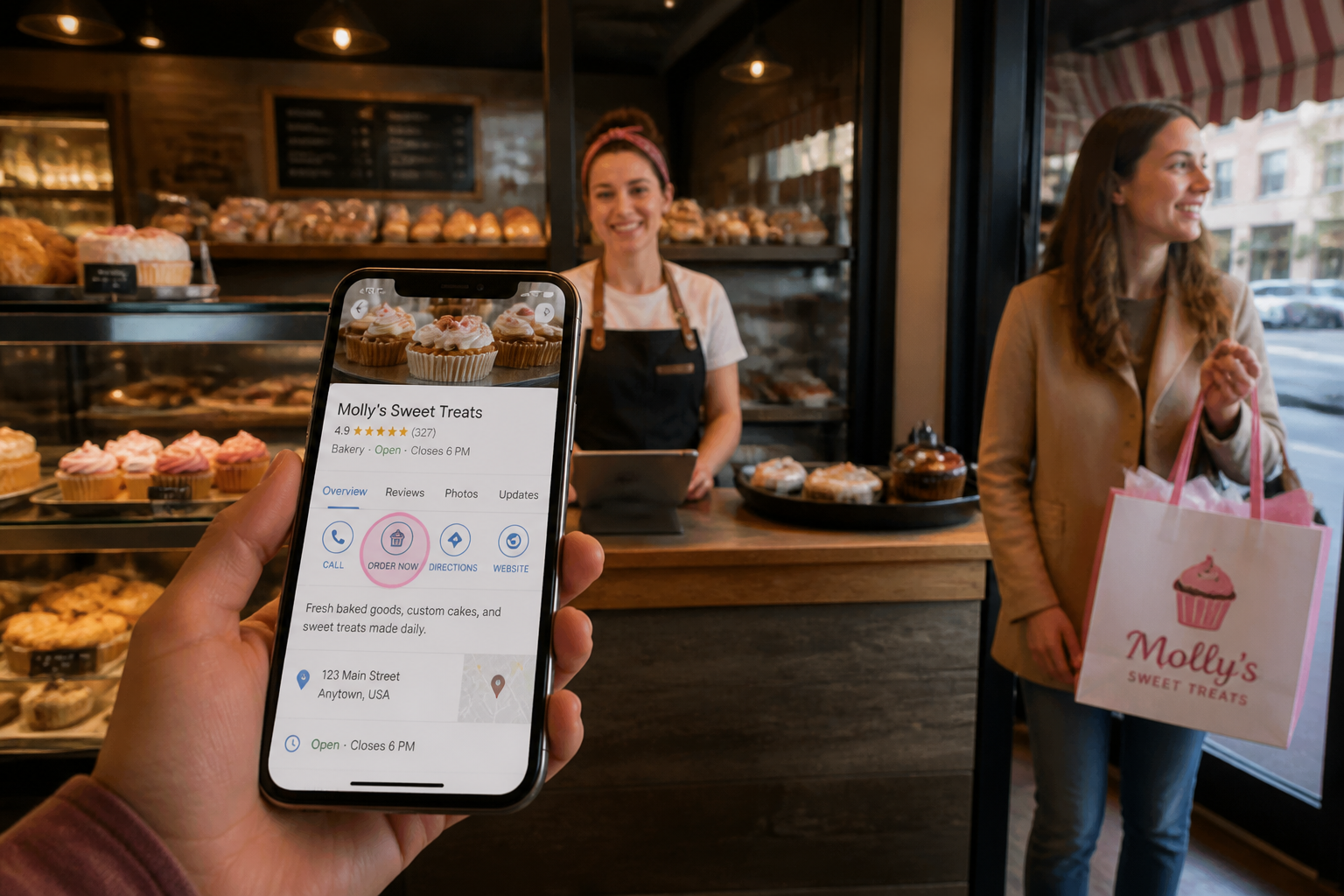
How to Add Click-to-Message on Google Business Profile
The Chat steps Google publishes are not how a brand gets verified RCS on a Business Profile. That path is a controlled proof of concept, and it runs through MessageOS.
What Google lets you turn on yourself
Google Business Profile Help documents a Chat option for claimed, verified listings in select regions. You can attach WhatsApp or a phone number that receives texts. If you add both, customers only see text. If Chat does not appear, your profile or region is not eligible.
That is a contact method. A customer taps Chat and lands in WhatsApp or a plain text thread. There is no verified logo, no rich cards, no branded AI concierge, and no Search to Conversation to Action path. It is useful if someone on your team can answer. It is not RCS on your profile.
A lot of how-to posts stop there. They walk the Edit profile, Contact, Chat path and call the job done. If you followed those steps and expected a branded Messages thread, that is why it did not show up.
Why branded RCS is not a toggle
RCS for Business is a verified sender in the native Messages app. Google describes it as a branded, interactive conversation with your name, colors, and logo on the thread. It is live on major US networks today, with more rolling out. Availability still depends on the device, the network, and brand approval.
Putting that experience on a Google Business Profile is tighter than the public Chat field. Google is treating click-to-RCS on a profile as a proof of concept. It is not a self-serve switch every listing can flip. You do not get a branded RCS button by pasting a WhatsApp URL into Chat.
MessageOS is an Official Google RBM Partner. Brands that want click-to-RCS live on their profile work with us. We stand up the verified agent, wire the entry point, and put Ezra behind the tap so the conversation can answer, qualify, and finish an outcome.
If you want the public comparison, read Google's RCS for Business overview. Then treat the Business Profile button as a separate, controlled launch, not a listing tweak.
What a leader in your vertical actually gets
A homeowner searching AC repair, a guest searching burger near me, or a parent looking for a counselor is already at intent. The next tap should open your brand in Messages, not a form and not an unknown number.
In a MessageOS thread, that tap can become a booked window, a pickup ticket, an estimate request, or a consult. That is Search to Conversation to Action. The Search to Conversation walkthrough shows the motion. Entry points is the same idea across Search, ads, QR, and the profile: one verified conversation, wherever they found you.
The profile is the prize because it sits on the result they already trust. The first shops and firms in a category that get a real RCS button will take the tap while everyone else is still collecting voicemail.
That is the lead. It is not a weekend DIY project. It is a partner launch.
What to do instead of the SMS walkthrough
Do not spend another afternoon hunting for a Chat toggle that will never become RCS.
Do this:
- Confirm the listing is claimed and verified. That still matters for every Google surface.
- Decide the outcome you want from the tap. Estimate. Book. Order. Intake. Support.
- Reach out to MessageOS. Tell us the brand, the vertical, and the profile you want live.
- Ask us to evaluate the business. We will look at the listing, the entry points, and whether your category is a fit for the proof of concept.
We work with your team, your agency, or your Google Ads partner. The Conversation-to-Outcome Platform sits behind the button so the thread can do the job after the tap. A Branded AI Concierge greets in your voice. Outcome Connectors pass the booking, the ticket, or the lead into the system you already run.
If Chat already exists on your profile as WhatsApp or text, leave it until we tell you otherwise. That field is not the RCS launch, and turning it off does not get you a branded button.
What to do next
If you want to lead your vertical on Google, do not wait for the Chat toggle to grow a verified thread. It will not.
Contact MessageOS and ask for an evaluation of your business. Name the brand, the city, and the outcome you want from the first tap. We will tell you whether your profile can enter the click-to-RCS proof of concept and what it takes to get live.
You can also request a preview and see a branded conversation in Messages first. Then we talk about the profile.
The brands that reach out now are the ones whose customers will tap Message and stay. The rest will keep publishing SMS how-tos.
- Click to Message: Turning a Tap Into a ConversationClick to Message is an entry point that opens the phone's native messaging app with a conversation already addressed, and usually pre-filled, so the customer only has to press send. It can be placed on a website, a search result, an ad, a QR code, an email, a social profile, or a physical sign. It works because the customer stays in an app they already trust instead of loading a new page or filling in a form.
- What Is RCS Business Messaging?RCS Business Messaging (RBM) is a messaging standard that replaces plain SMS with branded, verified, interactive conversations in the phone's native messaging app. A business is verified with carriers and platform providers, then sends and receives rich content: logo and brand name, rich cards, carousels, suggested replies, images, and real two-way dialogue. Availability depends on the recipient's carrier, device, and operating system, and messages fall back to SMS when RCS is unavailable.
- AI Search to Conversation: The New Path to a CustomerAI search changes the customer journey from query, click, browse, convert into query, answer, act. When an assistant answers in place, the website visit may never happen, so the practical goal is to be understandable to AI systems and to offer a next step that works without a website session. A messaging thread is that next step: it starts instantly, needs no account, and can carry the outcome to completion.
Primary sources worth reading
- Google Business Profile Help· Google
Official documentation for Business Profile features, including the messaging and call to action surfaces on local listings.
- RCS for Business blog· Google
Google's official program blog for RCS Business Messaging, covering feature releases, brand case studies, and carrier rollout news.
Sources and further learning
- Chat with customers from your Business Profile· official documentation
Google's public Chat option on Business Profile, WhatsApp or text, select regions.
- RCS for Business· product resource
Google's overview of branded, verified conversations in the native messaging app.
MessageOS Team
· MessageOS.aiMessageOS is the Conversation-to-Outcome Platform, helping brands turn Google Search, AI Search, and click-to-message intent into branded AI conversations that deliver measurable outcomes.